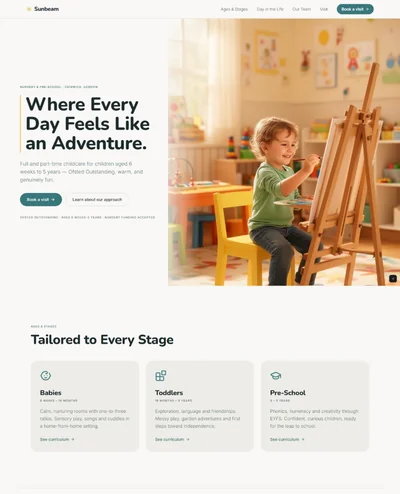
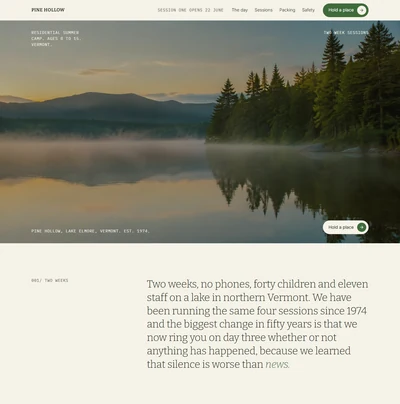
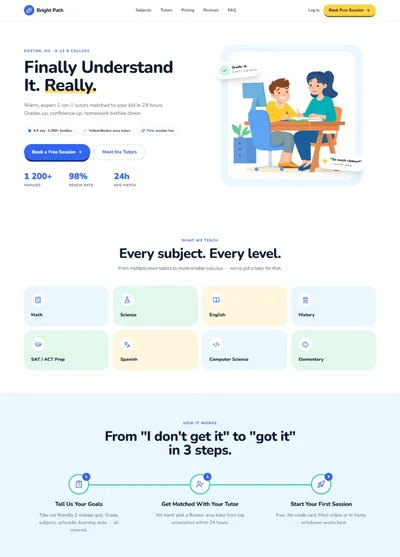
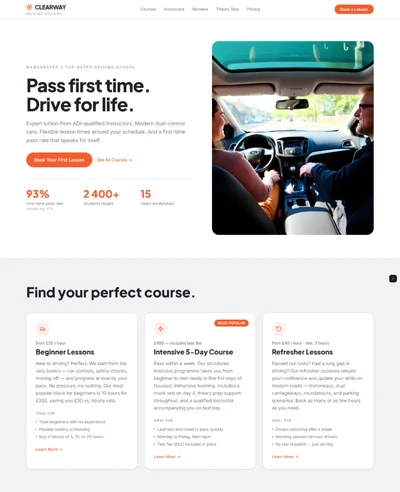
School Website Prompt: Bright Blue and Yellow Primary School Design for Bolt, v0 & Lovable
School website prompt for Bolt, v0 and Lovable. Royal blue and yellow, quick links for term dates and lunch, head's welcome, news and key dates.
# Oakfield Primary School: School Website Prompt ## 1. Goal Build a clear, friendly and trustworthy website for **Oakfield Primary School**, a state primary school for children aged 4 to 11 in Sheffield. White pages, a confident royal blue, a sunny yellow highlight and a rounded modern sans. Parents should find term dates, the lunch menu and how to apply in seconds. It should feel cheerful but organised, never childish. ## 2. Tech Stack ``` React + Vite + TypeScript + Tailwind CSS + Framer Motion (motion/react) + lucide-react ``` Single page. No component libraries, no calendar library, no parent portal. ## 3. Design system ```css :root { --paper: #FFFFFF; --ink: #14213D; /* deep navy text */ --accent: #1D4ED8; /* royal blue */ --on-accent: #FFFFFF; --highlight: #FFC83D; /* sunny yellow, background only, text on it is navy */ --surface: #F1F5FB; --muted: #4B5568; --line: #DCE3EE; } ``` Every text colour must reach at least 4.5 to 1 against its background. Never put white text on the yellow. No text under 14px, body text 17px or larger because many parents read on phones. ## 4. Typography ```html <link href="https://fonts.googleapis.com/css2?family=Plus+Jakarta+Sans:wght@400;500;700;800&display=swap" rel="stylesheet" /> ``` One family. - **Headings:** Plus Jakarta Sans 800, clamp(34px, 4.6vw, 64px), line-height 1.08, letter-spacing -0.02em - **Subheads:** Plus Jakarta Sans 700, 22px - **Body:** Plus Jakarta Sans 400, 17px, line-height 1.65 - **Labels:** Plus Jakarta Sans 700, 14px, navy text on a yellow rounded tag ## 5. Buttons Clear and easy to tap: - **Primary:** royal blue fill, white text, 12px radius, Plus Jakarta Sans 700 16px, padding 15px 24px, min height 48px. Hover: darker blue. - **Secondary:** white fill, blue text, 1.5px blue border, same radius. - **Quick link tiles** act as big buttons (see section 4). ## 6. Sections 1. **Utility bar:** a thin navy bar with the school phone number, the office email and a link `Report an absence` on the right, all in white text. 2. **Navbar:** white, 80px. A round school badge (blue circle with a white oak leaf drawn as a simple SVG) and the school name on the left, links in the middle, primary button `Apply for a place` right. Sticky with a soft line beneath. 3. **Hero:** a wide photograph with 24px radius, inset 24px from the page edges. A white card with 20px radius overlaps the bottom left of the photo by 60px, containing the yellow tag, the heading, one sentence and both buttons. *Photograph: primary school children in blue jumpers working together at a table in a bright classroom, smiling, natural light, colourful displays in the background.* 4. **Quick links:** four large tiles in a row on the surface colour, each 20px radius: a bold label, one line of help text and a small arrow from lucide. Hover: tile turns blue with white text. 5. **Welcome from the head:** two columns. A rounded portrait on the left (4:5), on the right a short letter, signed with the head teacher's name and role. *Portrait: a friendly head teacher in her fifties in a smart cardigan, standing in a school corridor with children's art on the walls.* 6. **School life:** surface background. A three column grid of photos with 16px radius and short captions underneath. *Photographs: children planting vegetables in a school garden; a choir performing in a school hall; a football match on a school field.* 7. **Latest news:** three cards with a small photo, date, headline and a two line summary, plus a link `All news`. Cards have a 1px line border, 16px radius, no shadow. 8. **Key dates:** a clean list of the next five dates, each with a yellow date badge (day number large, month small) and the event. 9. **What inspectors said:** a full width blue band with a large white quote from the last inspection report and the year. 10. **Visit us:** two columns. Left: heading, paragraph about open mornings and the primary button. Right: address, phone, office hours in a small table. 11. **Footer:** navy with white text. Badge and name, three columns of links (Parents, About, Policies) and a line with the trust name and company number. ## 7. Motion Light and quick. Sections fade up 16px on scroll, 0.5s. Quick link tiles scale to 1.02 on hover. Nothing loops, nothing bounces. Respect `prefers-reduced-motion`. ## 8. Responsive - **Mobile under 768px:** the utility bar shows only the phone number and `Report an absence`. Hero card sits under the photo instead of overlapping. Quick links become a 2 by 2 grid. All other grids become one column. Navbar collapses to the badge plus a `Menu` button with a full screen white menu and large tap targets. - **Desktop:** max-width 1200px, section padding 96px. ## 9. Full copy **Utility bar:** `0114 555 0136` · `office@oakfield.sch.uk` · `Report an absence` **Name:** Oakfield Primary School **Nav:** About, Parents, Curriculum, News, Contact. Button: `Apply for a place` **Hero** - Tag: `Ages 4 to 11, Sheffield` - Heading: `A kind, busy school where every child is known by name.` - Text: `Two classes in every year group, a big field, a forest school and a team that has been here for years.` - Buttons: `Apply for a place`, `Book a visit` **Quick links** - `Term dates` `Holidays and inset days for 2026 to 2027` - `Lunch menu` `This week's meals and how to pay` - `Uniform` `What to wear and where to buy it` - `Clubs` `Before school, after school and holiday clubs` **Welcome from the head** - Heading: `Welcome to Oakfield` - Letter: `Thank you for visiting our website. Oakfield is a school where children feel safe enough to try, get it wrong and try again. We keep our classes calm, our expectations high and our door open.` - `If you are thinking of joining us, the best way to know is to come and see a normal school day. I would love to show you round.` - Signature: `Mrs Helen Carter, Head Teacher` **School life** - `Growing our own lunch in the school garden` - `The Year 6 choir at Sheffield City Hall` - `Friday football on the top field` **Latest news** - `12 October 2026` `Year 4 bring the Romans to life` `A week of shields, mosaics and a very convincing march around the playground.` - `5 October 2026` `Harvest collection for the food bank` `Thank you to every family who donated. We filled the minibus twice.` - `28 September 2026` `New climbing frame is open` `Paid for by two years of cake sales from our Friends of Oakfield.` **Key dates** - `23 Oct` Half term starts after school - `3 Nov` Children return to school - `14 Nov` Parent consultations, 3:30 pm to 7:00 pm - `4 Dec` Christmas fair, school hall - `18 Dec` Last day of term, finish at 1:30 pm **What inspectors said** `Pupils are happy, polite and proud of their school. They know that adults care about them and will help them.` Ofsted, 2025 **Visit us** - Heading: `Come and see a normal day` - Text: `Open mornings run every Tuesday at 9:30 from October to January. No need to dress up, just book a place and come along.` - Button: `Book a visit` - Details: `Oakfield Primary School, Oak Lane, Sheffield S11 8YH` · `0114 555 0136` · `Office open 8:15 am to 4:00 pm, Monday to Friday` **Footer** `Oakfield Primary School` · Parents (Term dates, Lunch menu, Uniform, Clubs) · About (Our staff, Governors, Vacancies) · Policies (Safeguarding, SEND, Privacy) · `Part of the Peak Learning Trust. Company number 08765432.` ## 10. Never Cartoon clip art, comic fonts, rainbow gradients, glow, emoji, autoplay video, carousels, white text on yellow, dashes of any kind in the copy, lorem ipsum, tiny body text. ## 11. Dependencies ```json { "motion": "^12.0.0", "lucide-react": "^0.460.0", "clsx": "^2.1.0" } ```